Clipboard sync
Copy text and links on one device, then paste them instantly on the other.
Move files, photos, and text directly between your Android phone and your Mac. No cables, no cloud, no extra steps.
You're on the list.
We'll email you when Pairix is ready.
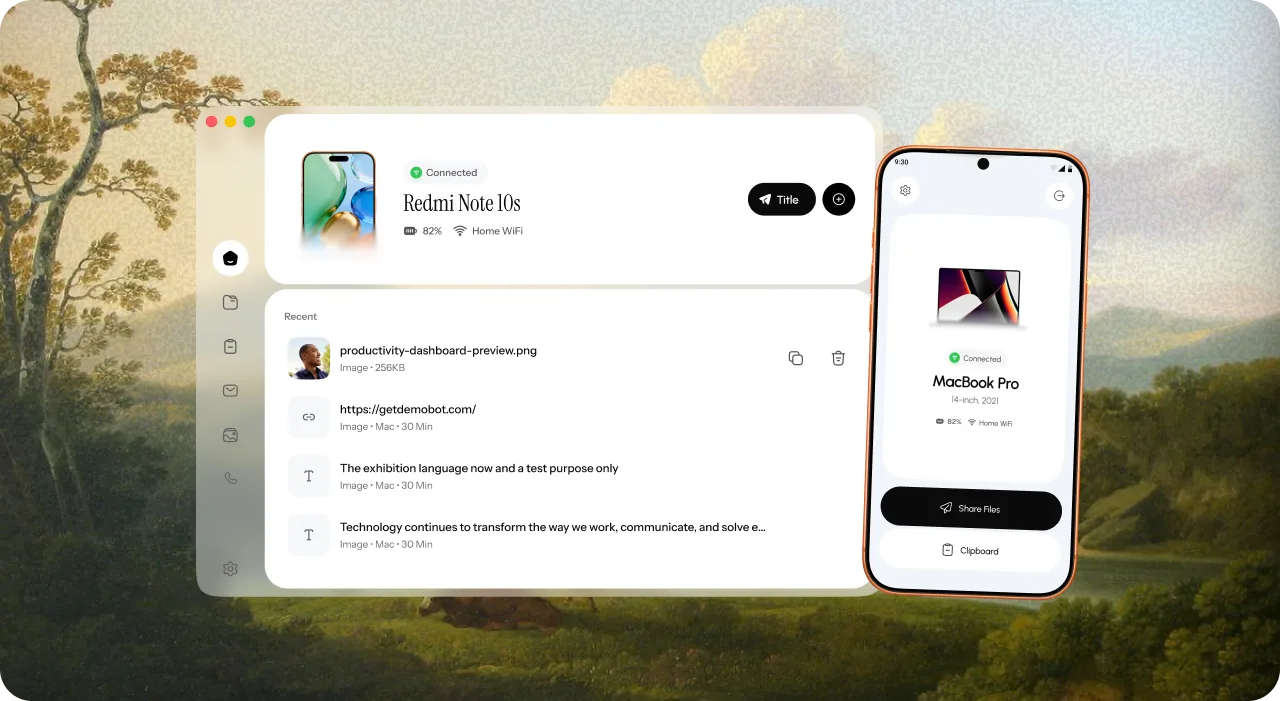
Pair your phone and Mac once with a QR code. Then just use it.
 01
01Install on both. Get Pairix on your Android phone and your Mac.
02Scan to connect. Open Pairix on your Mac and scan the QR code with your phone.
03Start syncing. Your phone and Mac now work as one.
Copy text and links on one device, then paste them instantly on the other.
Anything else? Drop us an email.
No. You pair your devices with a QR code. No sign-up, no password.
Install Pairix on both devices, open it on your Mac, and scan the QR code with your phone.
No. Files move directly between your devices over your own Wi-Fi, not through our servers.
Yes. Your phone and Mac need to be on the same Wi-Fi network.
Pairix launches on Android and macOS. More platforms are on the roadmap.
Pricing isn't final yet. Early waitlist members get early access.
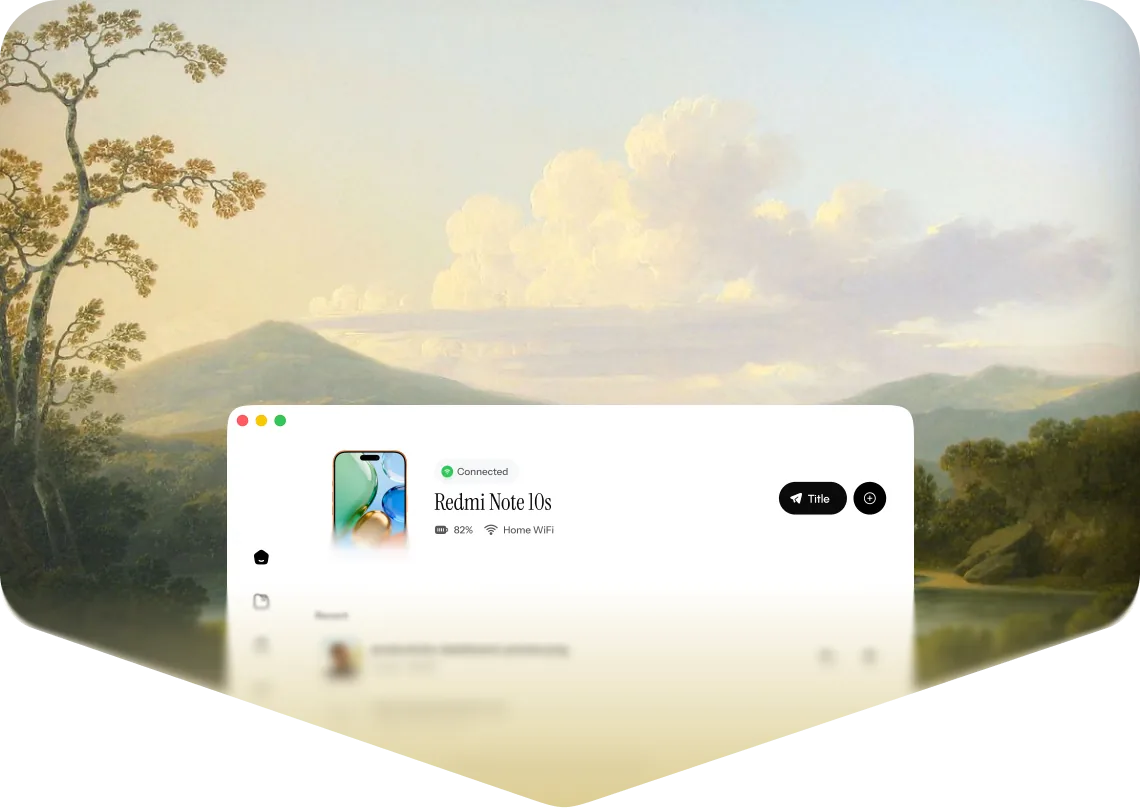
Join the waitlist for early access to Pairix.
You're on the list.
We'll email you when Pairix is ready.